
Bí quyết làm trà Matcha Usucha

Dụng cụ cần thiết
Một cái chén (chawan hoặc bát ăn sáng).
Một cái muỗng (chashaku hoặc thìa cà phê).

Rây lọc và Chổi đánh trà
Một cái rây kim loại nhỏ và một chổi chasen (cây đánh trứng).
Đảm bảo bạn có nước nóng và tất nhiên, trà Matcha chất lượng.

Chuẩn bị nước và trà
Làm nóng nước đến khoảng 70°C (158°F).
Tráng chasen trong bát nước nóng.

Lọc và Đánh trà
Lọc 2g bột trà Matcha vào bát.
Thêm 70ml nước nóng và đánh bọt.

Thưởng thức thành quả
Uống trà Matcha ngay sau khi pha để cảm nhận trọn vẹn hương vị.
Vệ sinh dụng cụ sau khi dùng.

Lưu ý quan trọng
Sử dụng trà Matcha loại 'ceremonial' để có hương vị tốt nhất.
Tránh dùng xà phòng để vệ sinh chasen, chỉ dùng nước ấm.
Cách vệ sinh dụng cụ pha trà
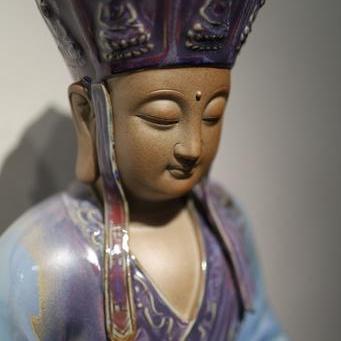
ĐỊA TẠNG VƯƠNG BỒ TÁT QUÂN DIÊU
Adapt these three columns to fit your design need. To duplicate, delete or move columns, select the column and use the top icons to perform your action.
You can also adjust the spacing between columns by dragging the edges left or right for a better layout balance.
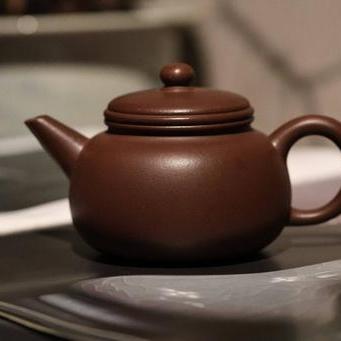
ẤM TỬ SA TRỰC CHỦY ĐỨC CHUNG 160ML
To add a fourth column, reduce the size of these three columns using the right icon of each block. Then, duplicate one of the columns to create a new one as a copy.
Make sure the content inside each column remains readable by resizing text or elements to match the new layout.
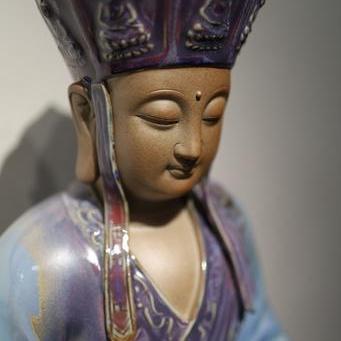
ĐỊA TẠNG VƯƠNG BỒ TÁT QUÂN DIÊU
Delete the above image or replace it with a picture that illustrates your message. Click on the picture to change its rounded corner style.
You can further enhance the visual by adding a caption or using a background color overlay to make it stand out.
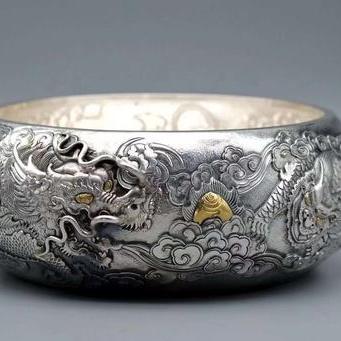
ANG BẠC CÁ HÓA RỒNG
Delete the above image or replace it with a picture that illustrates your message. Click on the picture to change its rounded corner style.
You can emphasize important points by adjusting font weight, size, or color to draw attention where it matters most.
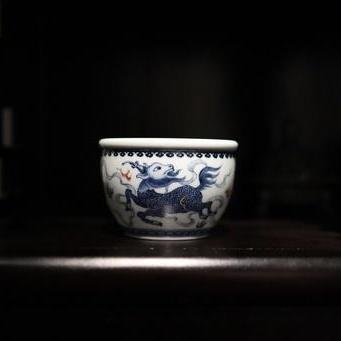
ANG TRÀ LINH THÚ KỲ LÂN
Delete the above image or replace it with a picture that illustrates your message. Click on the picture to change its rounded corner style.
You can also adjust the spacing between columns by dragging the edges left or right for a better layout balance.
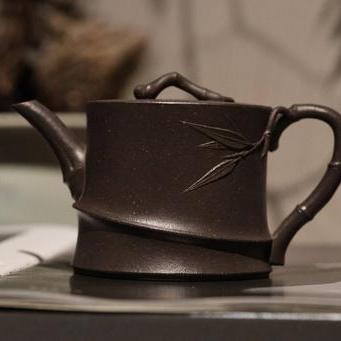
ẤM TỬ SA TRÚC TIẾT 200ML
Delete the above image or replace it with a picture that illustrates your message. Click on the picture to change its rounded corner style.
Make sure the content inside each column remains readable by resizing text or elements to match the new layout.
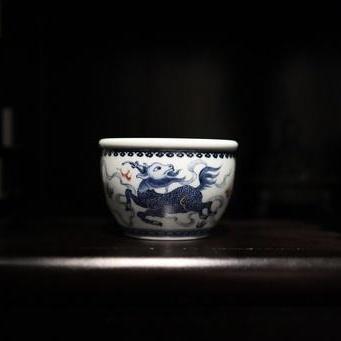
ANG TRÀ LINH THÚ KỲ LÂN
Delete the above image or replace it with a picture that illustrates your message. Click on the picture to change its rounded corner style.
You can further enhance the visual by adding a caption or using a background color overlay to make it stand out.
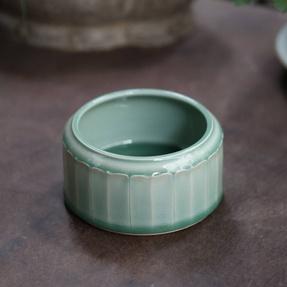
ANG TRÀ LONG TUYỀN HOA SEN
Delete the above image or replace it with a picture that illustrates your message. Click on the picture to change its rounded corner style.
You can emphasize important points by adjusting font weight, size, or color to draw attention where it matters most.